AI Creative Tools with Lifetime Access
One-Time Payment, No Subscriptions, No Credit Limits

Tired of AI tools that lock you into monthly subscriptions or credit systems that run out at the worst times? A suite of creative AI apps offers lifetime access for a single discounted one-time payment for each of the AI apps showcased here.
These tools let you generate professional AI images, create narrated flipbook storybooks, coloring books and kids’ activity books, turn static images into videos, produce talking and singing photos, clone your voice, generate natural-sounding voices in many accents and languages, create music, podcasts, audiobooks, and much more.
I’ve personally been using all of these AI apps for the past few years and would recommend them based on my own experience using them. Bear in mind that, like with any AI apps, it’s important to learn how to use them effectively in order to get the desired results.
That being said, these apps are being updated on a regular basis based on feedback provided by us users and they have improved significantly since they were first launched.
In each of the sections below, I provide a brief summary of what each AI tool can help you with, but you’ll also find step-by-step video tutorials. In these tutorials, I walk you through many of the core features and how you can use them in your creative endeavors. In each section, you’ll also find a button to buy the AI app at a one-time discounted price.
For a limited time, you can get 20% off all the individual apps. Use coupon code NOVEMBER at checkout. Grab it before it’s gone.
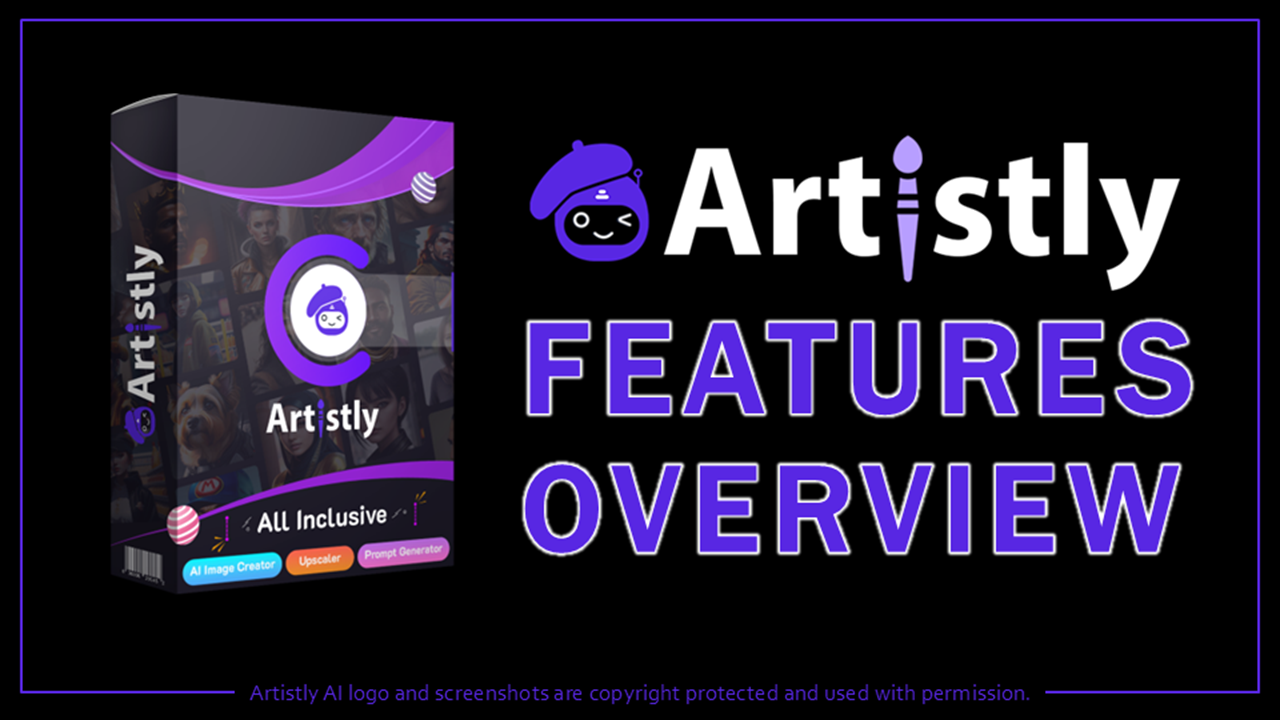
Artistly AI - Your All-in-One AI Image Designer & Storybook Studio
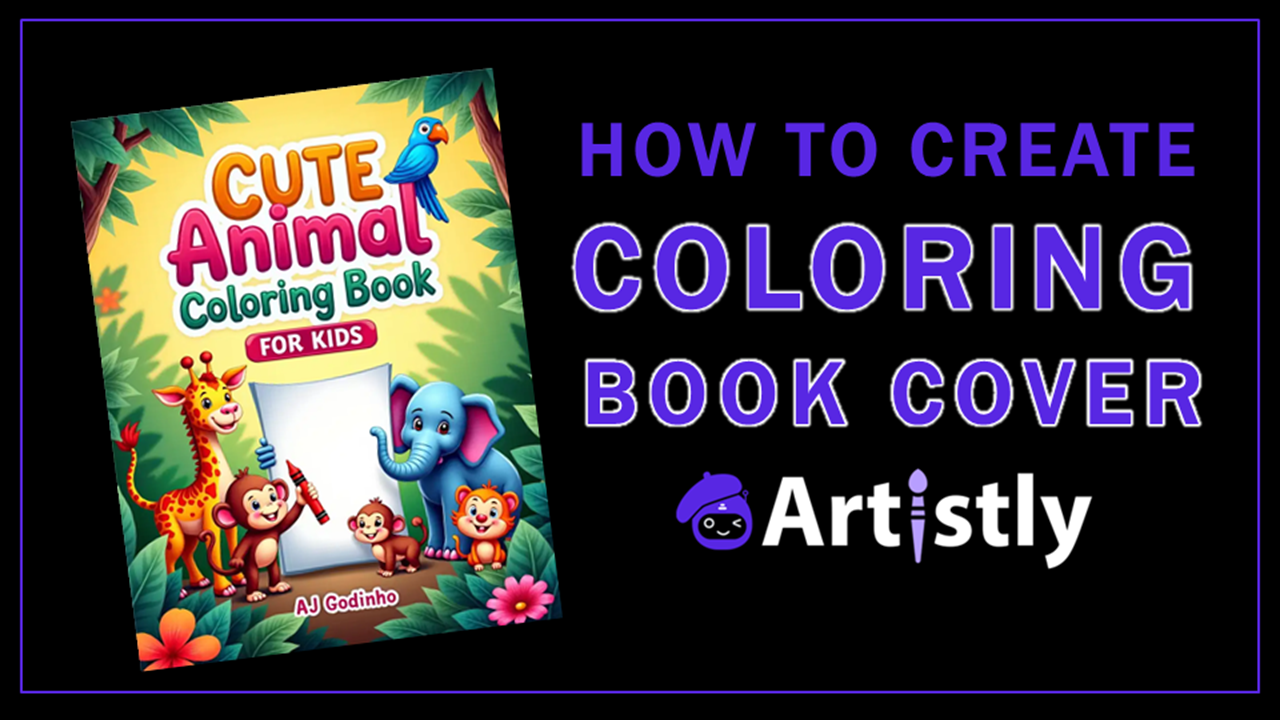
Artistly AI turns text prompts into high-quality images across many styles and includes powerful editing tools such as inpainting, outpainting, background replacement, and upscaling. Its consistent character system keeps the same people or characters looking identical across multiple images, which is ideal for stories, branding, and series of related designs. Perfect text rendering also makes it practical for logos, social media graphics, T-shirt designs, and product mockups.
The storybook tools are especially strong. You can generate fully illustrated multi-page storybooks from a script or idea, create personalized child-hero books by uploading a photo so a specific child becomes the star, and produce narrated or flipbook versions. It also handles kids’ activity books, coloring pages, and bulk clipart, with options for print-ready formatting suitable for platforms like Amazon KDP (Kindle Direct Publishing).
These features make Artistly useful for illustrated children’s content, print-on-demand products, social media visuals, and commercial brand assets. You get unlimited generation under fair-use limits plus commercial rights in a one-time payment model instead of ongoing credits or subscriptions.
You can check my step-by-step video tutorials below to get an idea of some of the amazing creations you can create in Artistly AI. You can also, check my Artistly AI Review to learn more.
CloneVoice AI - Voice Cloning, Text-to-Speech, Music & Audiobooks
CloneVoice AI focuses on natural-sounding audio. It offers high-quality voice cloning, a large library of ready-made voices, and text-to-speech across hundreds of languages and accents. Controls for emotion, pacing, and pronunciation help the output sound conversational rather than robotic, and a voice changer can transform existing recordings.
You can generate full audiobooks and podcasts from longer scripts, create voiceovers for videos, or produce multilingual versions of the same content. The platform also includes AI music generation across genres for background tracks, and it integrates with VideoExpress for smoother video workflows. Daily generation limits apply for fairness, but the overall model is one-time payment rather than per-credit or subscription.
These capabilities suit YouTubers, course creators, audiobook producers, children’s content makers, and anyone who needs consistent narration or music without hiring voice actors or sound designers for every project. In the step-by-step CloneVoice video tutorials below, you’ll learn how to use various features in this versatile audio AI tool.
VideoExpress AI - Bring Photos to Life with Prompts or Images
VideoExpress AI converts written ideas or existing images into video. You can describe a scene or paste a script to generate clips, or upload images (including ones made in Artistly) and animate them with motion. An AI prompt helper assists with better prompts, and the system supports multiple languages for both visuals and narration.
A built-in timeline editor lets you arrange clips, add transitions and voiceovers, and build longer videos that can run several minutes. Features such as consistent characters, AI sound effects, subtitles, background editing, and inpainting give additional control. Automated workflows can also connect with tools like ChatGPT or Claude to speed up production.
This combination works well for social media content, product explainers, animated stories, faceless YouTube channels, and short promotional videos. Paired with the other apps in the suite, it lets you design images in Artistly, generate voices in CloneVoice, and assemble finished videos in one place under a one-time access model.
This is by far my most favorite AI app from all the other ones showcased here. I’ve used it extensively to create different types of videos, including talking photos and music videos. Again, you’ll find my in-depth video tutorials below to learn how to use many of the features in VideoExpress.
TalkingPhotos AI - Turn Photos into Talking & Singing Videos
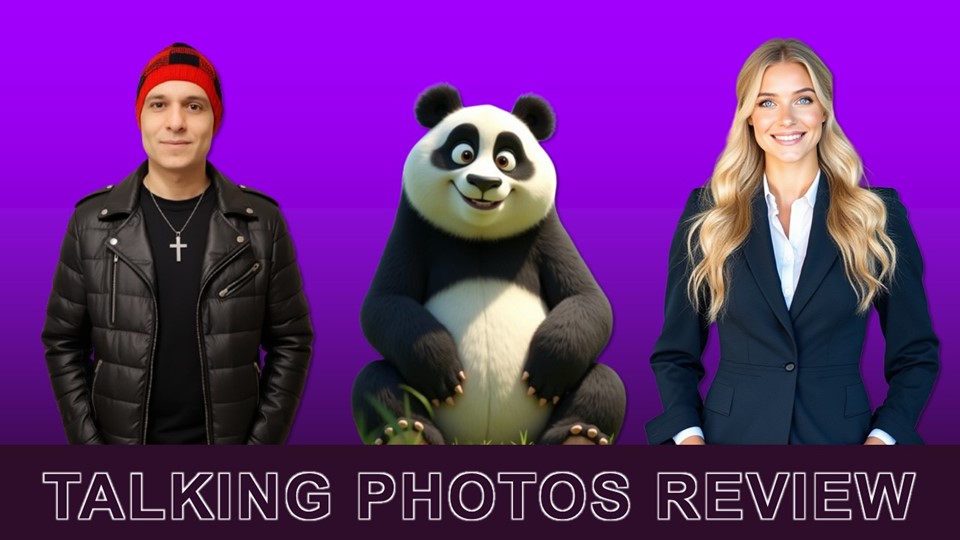
TalkingPhotos AI animates still images so they appear to talk, sing, or dance with realistic motion. Upload a photo of a person, cartoon, animal, or fantasy character, add a script or audio, and the tool generates a video with synchronized lip movements, facial expressions, eye blinks, and natural head motion. The latest updates improved lip-sync, body movements and hand gestures.
Voice options are flexible: built-in text-to-speech in multiple languages and accents, your own uploaded audio, or cloned voices from CloneVoice. Singing and dancing modes expand the possibilities, while background replacement, subtitles, resizing, and storyboard tools help produce more polished content. It integrates with Artistly so you can animate custom AI-generated images directly.
These features are useful for personalized messages, social media posts, character animations for children’s content, music videos, and educational material. Combined with the rest of the suite, it completes the workflow from design and audio to finished animated video without credit or subscription limits.
You can check my TalkingPhotos AI Review to learn more about this incredible AI app which allows you to turn photos into talking, singing, and dancing videos. Also, below you’ll find some of my tutorials in which you’ll learn how to create talking, singing, and dancing videos using just images.
Why These AI Tools Stand Out Together
Most popular AI image, video, and voice platforms rely on monthly subscriptions or credit systems. These four apps use one-time payments (often at discounted prices) with commercial-use rights and ongoing updates. They also complement each other: design and illustrate in Artistly, generate voices and music in CloneVoice, then animate and assemble finished videos in VideoExpress and TalkingPhotos.
One of the big advantages of these four apps is their built-in API integration, which lets them work together seamlessly. You can import custom voices and audio from CloneVoice directly into Artistly (perfect for narrated flipbooks and storybooks), pull Artistly images straight into VideoExpress for animation, and send CloneVoice audios into both VideoExpress and TalkingPhotos.
This removes the need for constant downloading and re-uploading, so you can move from image creation to voice generation to finished video in a much smoother workflow. Whether you’re building automated content pipelines, personalized storybooks, or social media videos, the API connections turn the four tools into a connected creative suite rather than separate apps.
For step-by-step instructions on generating API keys and setting up each integration, see this detailed guide: How to Set Up API Integration. If you have any questions, feel free to use the Contact form to reach out to me.
FAIR USE POLICY: You can create unlimited images, audios, and videos forever without any monthly fees. However, to prevent the network and users from bots and abuse there is a fair use limit for AI generated images, audio and video clips. Check each app for the respective “fair use” policy.
AFFILIATE DISCLAIMER: If you use the links on this page to purchase Artistly, CloneVoice, TalkingPhotos, and/or VideoExpress products, I may earn a commission as an affiliate. This recommendation and review is based on my firsthand experience using the mentioned products myself.