Text to Music Generation
This flagship feature is the quickest way to turn pure imagination into a finished song. You simply type a descriptive prompt—anything from a short phrase ("energetic summer pop anthem about road trips") to a detailed scene ("melancholic neo-soul ballad at 3 AM in the rain, female vocals, slow tempo, warm piano and subtle strings").
The AI interprets your words to select an appropriate genre, mood, tempo, instrumentation, vocal style (male/female, tone/emotion), and overall structure. It then composes a complete track including intro, verses, chorus, bridge, and outro—complete with layered harmonies, dynamic builds, drops, and professional mixing touches. Generation usually takes a few minutes, producing two variations for comparison.
It's exceptionally strong for overcoming creative blocks, brainstorming hooks, or rapidly prototyping ideas for content creators, marketers, or aspiring songwriters who don't play instruments or read music. The AI handles everything from chord progressions to vocal phrasing, resulting in surprisingly coherent and emotionally resonant songs that feel human-composed.
Lyrics to Music
Perfect for poets, lyricists, journal writers, or anyone with words ready but no melody in mind, this mode lets you paste or type your own lyrics directly into the tool (from a heartfelt love letter to structured verses/choruses or even free-form poetry). The AI analyzes the rhythm, syllable count, emotional tone, and thematic content of your text, then composes a fitting musical backdrop—melodies that rise and fall with the emotion, rhythms that match the natural flow of your words, chord progressions that enhance the mood, and full instrumentation (e.g., acoustic guitar for intimate pieces, trap beats for energetic ones).
You can often choose or influence genre/style, vocal gender/tone, and tempo. The result is a fully sung track where your lyrics feel like they were always meant to be sung, with natural phrasing and emphasis. This is a game-changer for overcoming "melody writer's block," turning spoken-word pieces into songs, creating personalized gifts (e.g., a song from wedding vows), or experimenting with song structures without needing composition skills. Many users combine it with the AI Lyrics Generator for a complete workflow.
Photo to Music
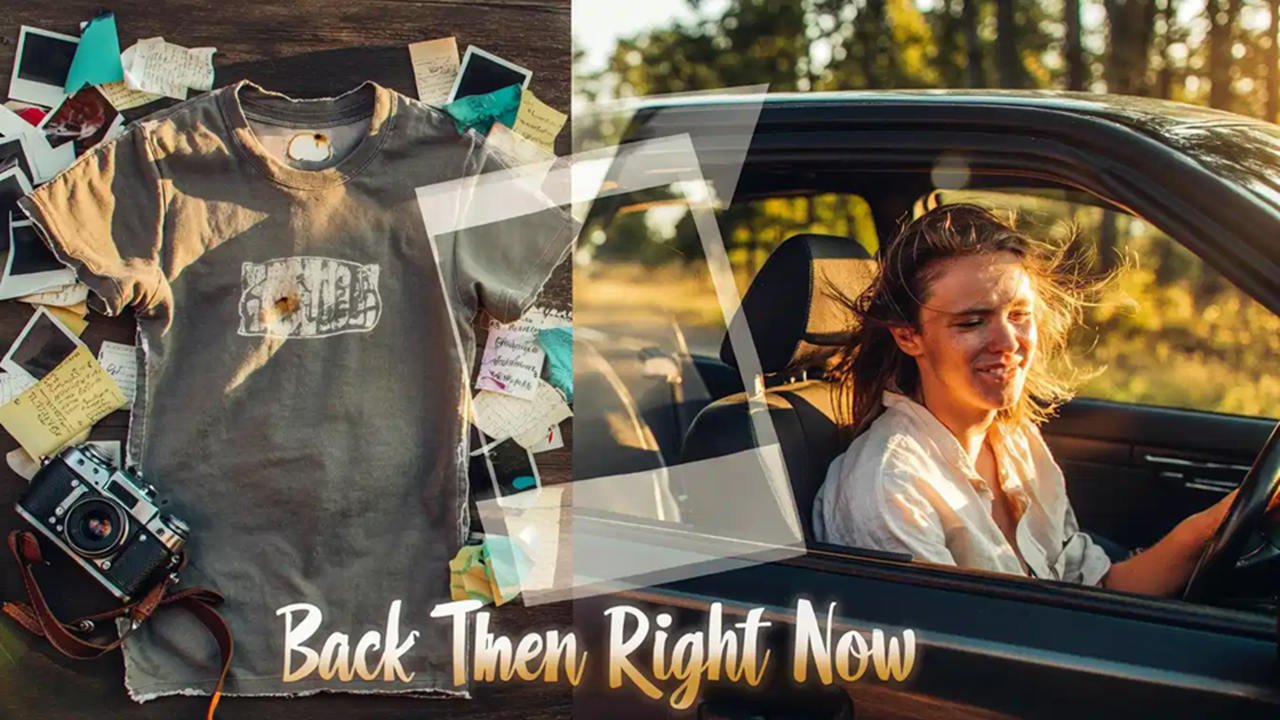
One of the most innovative and emotionally powerful features, Photo to Music lets you upload any image—a personal photo, landscape, artwork, meme, or even a screenshot—and the AI analyzes visual elements like color palette, lighting, composition, subject matter, and overall atmosphere to infer a "hidden mood" or emotional tone. It then generates a custom instrumental or vocal track that captures that vibe: a serene sunset beach photo might become dreamy ambient chillwave with soft pads and gentle waves; a gritty urban night shot could yield dark synthwave or lo-fi hip-hop with vinyl crackle.
The AI focuses on evoking the same feelings the photo inspires—nostalgia, excitement, melancholy, energy—while aligning genre and instrumentation accordingly. Outputs include structured pieces with builds and resolutions that feel cinematic. This tool shines for visual creators (photographers, filmmakers, vloggers, social media artists) who want soundtracks that perfectly match their imagery, turning static memories into immersive audio experiences, creating thematic content, or producing unique personalized gifts (e.g., a song from a family vacation photo).
Text to Rap Music
Tailored specifically for hip-hop, trap, boom-bap, drill, or any rap-adjacent style, this specialized generator takes a text prompt (topic, story, bars, mood, or even keywords like "motivational trap about grinding, aggressive delivery, heavy 808s") and produces a complete rap track. The AI writes coherent, rhythmic lyrics that fit the prompt (or uses your provided ones), crafts a hard-hitting beat, sets the flow/tempo/cadence, adds ad-libs, layered vocals, and optional rhyme schemes or multis.
You can control elements like emotion (angry, introspective, hype), delivery speed, accent influence, and production style. The output is a full song with verses, hooks, and instrumental drops—ready to use or remix. It's ideal for aspiring rappers, content creators needing quick freestyles or hooks, podcasters wanting intro/outro raps, or marketers creating viral audio content. The AI's handling of complex rhyme patterns, internal rhymes, and natural-sounding flow makes it surprisingly capable for the genre, saving hours of beat-making and writing time.
AI Instrumental Generator
When you want music without lyrics or vocals, this tool delivers clean, high-quality instrumental tracks tailored to your needs. Input a text description (e.g., "relaxing lo-fi study beats with jazzy piano, vinyl crackle, 85 BPM" or "epic cinematic orchestral build for trailer, strings and brass swells"), select genre/mood/tempo if desired, and the AI composes a full instrumental piece—complete with layered arrangements, dynamic progression, subtle effects, and professional mastering polish.
Outputs are purely instrumental (no singing), making them perfect for background music (BGM), YouTube intros/outros, podcasts, meditation apps, video games, ads, social media reels, or royalty-free stock usage. Tracks maintain structure (intro-build-drop-outro) and feel "human-produced" with nuanced instrumentation. This feature eliminates copyright risks entirely and is a favorite among video editors, filmmakers, and creators who need custom, unique soundbeds without licensing fees or repetitive stock loops.
AI Song Cover Generator
This fun and transformative tool lets you reimagine existing songs by swapping or replacing the original vocals with AI-generated ones. Upload an audio track (or select from prompts/references), choose a target voice style (e.g., "deep male soul singer," "high-energy pop female," or even attempt a celebrity-inspired tone), and the AI separates the vocals, then generates a new vocal performance that matches the melody, timing, emotion, and energy of the original—while fitting your chosen style.
Some modes support basic voice cloning if you provide samples, enabling personalized covers in your own voice (or a custom one) without ever singing a note. The result is a "cover" version that sounds like a different artist performed it, often with surprisingly realistic phrasing and vibrato. Great for parody videos, fan tributes, social media experiments, karaoke-style fun, or exploring "what if" scenarios (e.g., your favorite song in a different genre/voice). It democratizes music performance and adds endless creative play without needing vocal talent.
AI Vocal Remover
Upload any song or audio file, and the tool instantly isolates or completely removes the lead vocals (and often backing vocals/harmonies). It produces two outputs: a clean instrumental version (vocals subtracted) and/or an isolated vocal stem (vocals only, with minimal bleed). The separation quality is high for most modern/pop/electronic/rock tracks—retaining natural reverb tails, minimizing artifacts, and preserving the instrumental mix's punch and clarity.
You can use the isolated vocals for mashups, practice singing along, create karaoke tracks, or feed them into other tools (e.g., pitch correction or AI voice conversion). The instrumental-only version is perfect for content creators needing copyright-free backing tracks or musicians building remixes/covers.
AI Stem Splitter
This more advanced separation tool breaks a full mixed track into 4–6 individual stems (commonly: vocals, drums, bass, other instruments/piano/guitar/synths, and sometimes additional categories like "noise" or "reverb"). Upload your audio, select how many stems you want (more stems = slightly longer processing), and the AI delivers clean, phase-aligned files you can download separately or re-combine in any DAW/editor.
The results are remarkably usable—drums stay punchy with little bleed into bass, bass lines remain tight, and "other" instruments often separate well enough for remixing. Post-split, you can mute/replace individual elements (e.g., swap the original drums for your own beat, boost bass, remove vocals entirely, or isolate guitar for a solo section).
AI MIDI Converter & Editor
Upload any audio clip (your own recording, a hummed melody, guitar riff, vocal line, or even a full song snippet), and the AI transcribes it into editable MIDI notes with impressive accuracy for monophonic and many polyphonic sources. It detects pitch, timing, and sometimes basic velocity/dynamics. Once converted, open the MIDI in the editor to fix inaccuracies, change the instrument (turn a hummed tune into a flute or synth lead), transpose keys, or extract just the melody for reuse.
The editor provides a clean, visual piano-roll-style interface where you can draw, move, resize, copy, and delete individual MIDI notes with mouse or trackpad. You can zoom in for precise micro-editing (velocity, length, humanization), select multiple notes for batch operations, and snap to grid or freehand for natural feel.