TalkingPhotos AI Review

Create Human, 3D Cartoon & Animal Talking Photos

In today’s digital age, the way we interact with photos has evolved dramatically. Gone are the days when photos were just static memories captured in time. With the advent of advanced AI technologies, we can now bring our photos to life, making them talk, sing, and dance.

One such revolutionary product is Talking Photos AI. This innovative AI video creation app allows users to animate static images, creating lifelike videos with body movements, lip-sync, and emotions in different languages. In this blog post, I will explore the features, benefits, and use cases of TalkingPhotos AI, and how it is transforming the way we interact with images. I will also cover some improvements that I would like to see in this AI video generation app.

In this short video below, I showcase different types of images I generated using the TalkingPhotos AI video creation app. These include human, 3D cartoon & animal talking photos. I then turned them into talking & singing photos using this AI app. I used my own voice as well as the built-in text-to-speech feature.

In one of the examples, I also used one of my own photos to create a talking photo. The other example include a female AI-generated character, a giant panda bear, and a cartoon version of me. In this detailed and honest review, I will provide you my experience using the TalkingPhotos AI software and cover some of main features and functionality.

What is TalkingPhotos AI?

Talking Photos AI is an advanced AI-powered video creation tool that transforms static photos into engaging talking videos. Whether it’s a human, cartoon characters, or animal, this tool can animate any photo, AI-generated or real photo, making it come to life with realistic speech, expressions, and movements.

The technology behind Talking Photos AI leverages cutting-edge AI and machine learning algorithms to create seamless and natural animations that captivate viewers. You can create a variety of different AI avatars. You can create unlimited videos without watermarks, using this AI video generation app including voice-overs. It also has basic video editing features. In the section below I cover some of the key features of this fun video creation app.

In December 2025, TalkingPhotos was updated and there have been significant improvements. A couple of the main improvements include much better lipsync and natural body movements and hand gestures. In the earlier version, the talking photos were created using templates and the movements were not very natural.

You can still use the version 2 template-based body movements and hand gestures, but the new version is much better. That being said, when creating talking photos, I prefer using the “Singing v3” option rather than using the “Human Video” option. That said, with the Singing v3 option, you’re limited to 3.5 minutes in duration. The talking photos option is up to 5 minutes.

The new “Singing v3” feature that was introduced in the December 2025 update is my favorite option. Even though it is meant to create singing videos, I use it to create talking photos because the overall lipsync and body movements are much more natural. I’ve created separate tutorials on how to create talking, singing, and dancing videos below.

TalkingPhotos: Key Features

Facial Animation

Facial Animation

One of the standout features of TalkingPhotos AI is its ability to animate facial features. The tool can create lifelike facial expressions, making photos appear more realistic and engaging. Whether it's a smile, a frown, or a surprised look, Talking Photos AI can capture and animate a wide range of emotions, adding depth and personality to your photos.
Voice Integration

Voice Integration

TalkingPhotos AI allows users to add voice to their animated photos, creating a more immersive experience. Users can choose from a variety of voice options, customize the pitch and tone, and even add their own voice recordings. This feature and functionality is perfect for creating personalized messages, storytelling, and more. There are many different male and female voices to choose from, as well as, different accents from different countries. You can create talking photos in different languages.
Realistic Expressions

Realistic Expressions

The tool's ability to create realistic facial expressions is truly remarkable. By analyzing the photo and understanding the context, Talking Photos AI can generate natural and expressive facial movements that enhance the overall animation quality. This feature ensures that the animated photos look authentic and lifelike.
Full-Body

Full-Body Talking Photos

TalkingPhotos AI goes beyond just facial animations. It can animate full-body images, adding hand movements, gestures, and more. This feature is great for creating dynamic and engaging videos that capture the viewer's attention. There are different templates of body movements and hand gestures that you can choose from depending on the context of the video.
Text-to-Speech Integration

Text-to-Speech Integration

With the built-in text-to-speech (TTS) feature, users can convert written text into natural-sounding speech. Most of the AI voices I’ve used are natural sounding and there are many different voices to choose from. This is ideal for creating educational content, marketing videos, and more.

The tool offers a variety of voices and languages to choose from, ensuring that the speech matches the context and tone of the video. As mentioned earlier, there are many different male and female voices and accents to choose from. Some of the voices have different emotions as well.
Multilingual

Multi-Language Support

TalkingPhotos AI supports multiple languages, allowing users to create videos in various languages to reach a global audience. This feature is great for businesses and content creators who want to connect with people from different parts of the world. You can also create podcast type videos in different languages.
AI Face Swap

AI Face Swap

The AI face swap feature allows users to insert their face into AI-generated photos, creating personalized and unique content. This feature is great for creating fun and engaging videos for social media, marketing, and more. Once you generate the character, whether it is human or cartoon, you can use your own photo to do a face swap and then turn it into a talking photo. In the new version 3, you can use your own image instead of doing a face swap.
Background Editor

Background Editor & Remover

TalkingPhotos AI offers a background editor and remover, allowing users to modify and personalize the backgrounds of their talking characters. This feature is useful for creating stunning visuals and placing characters in any setting, be it a scenic landscape, a professional environment, or a custom-designed backdrop. You can even generate a green screen background if you want to later use it later using your background.
Tutorials: How to Create Talking Photos?

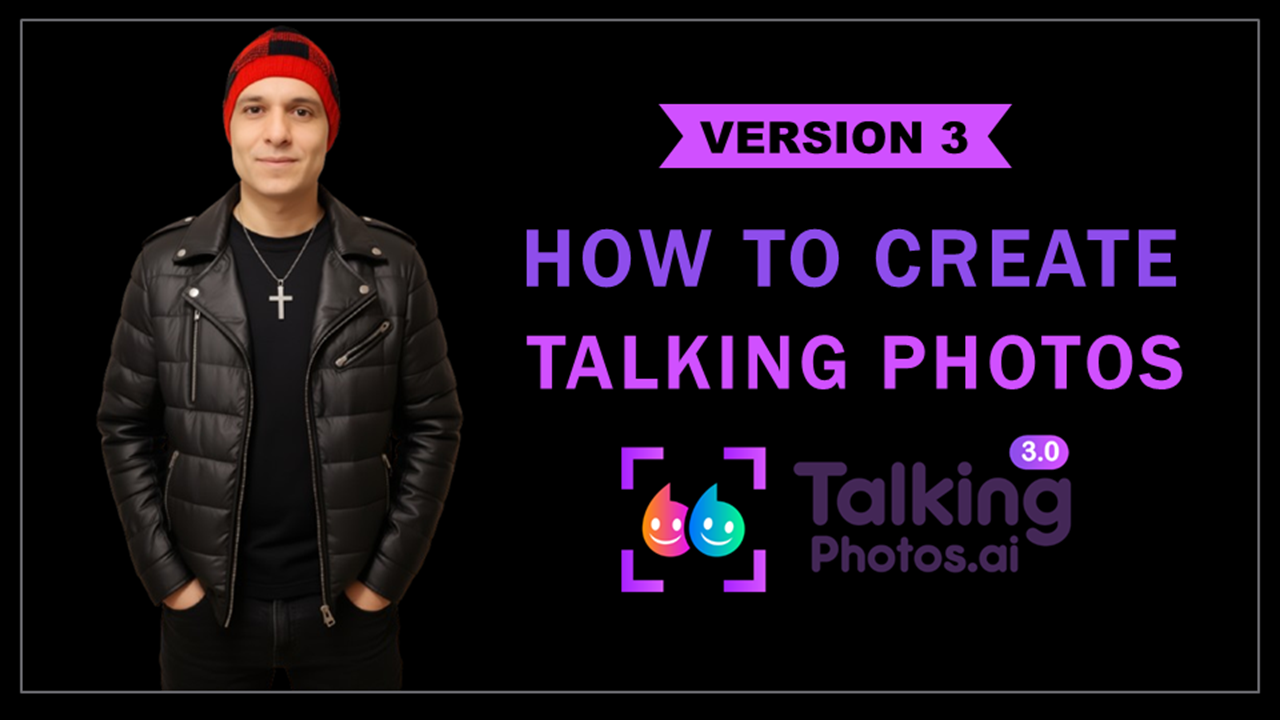
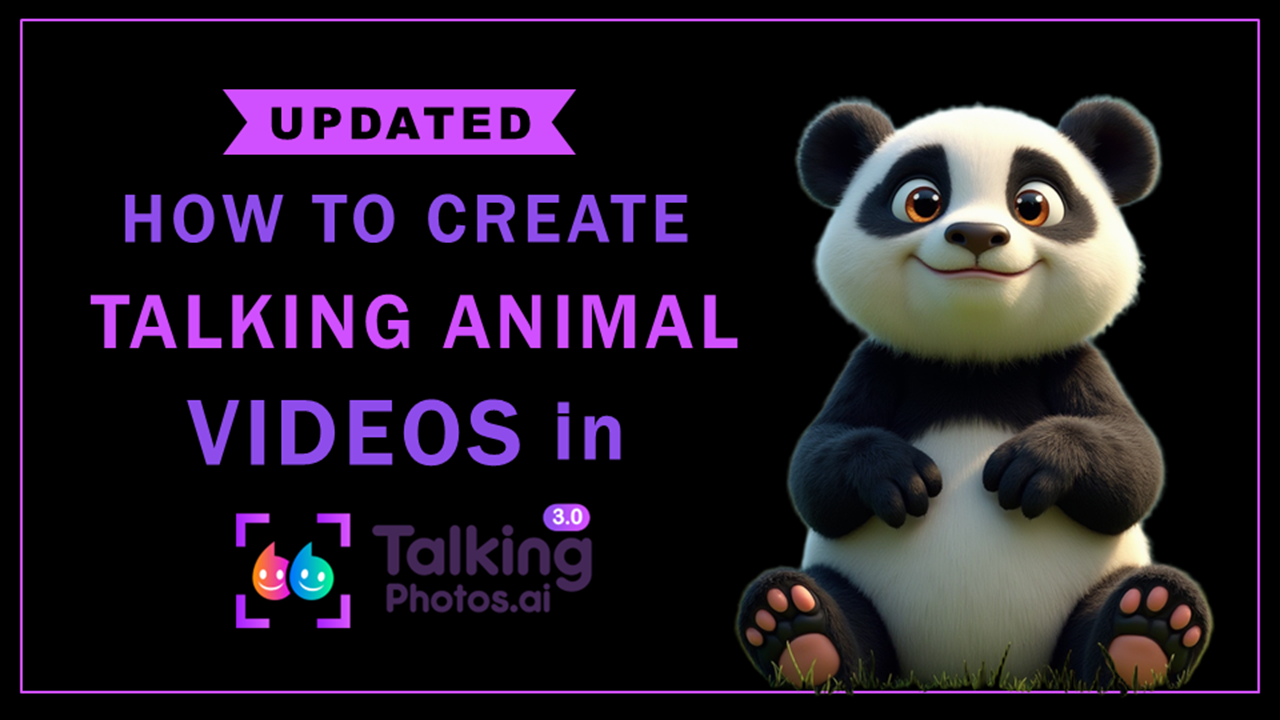
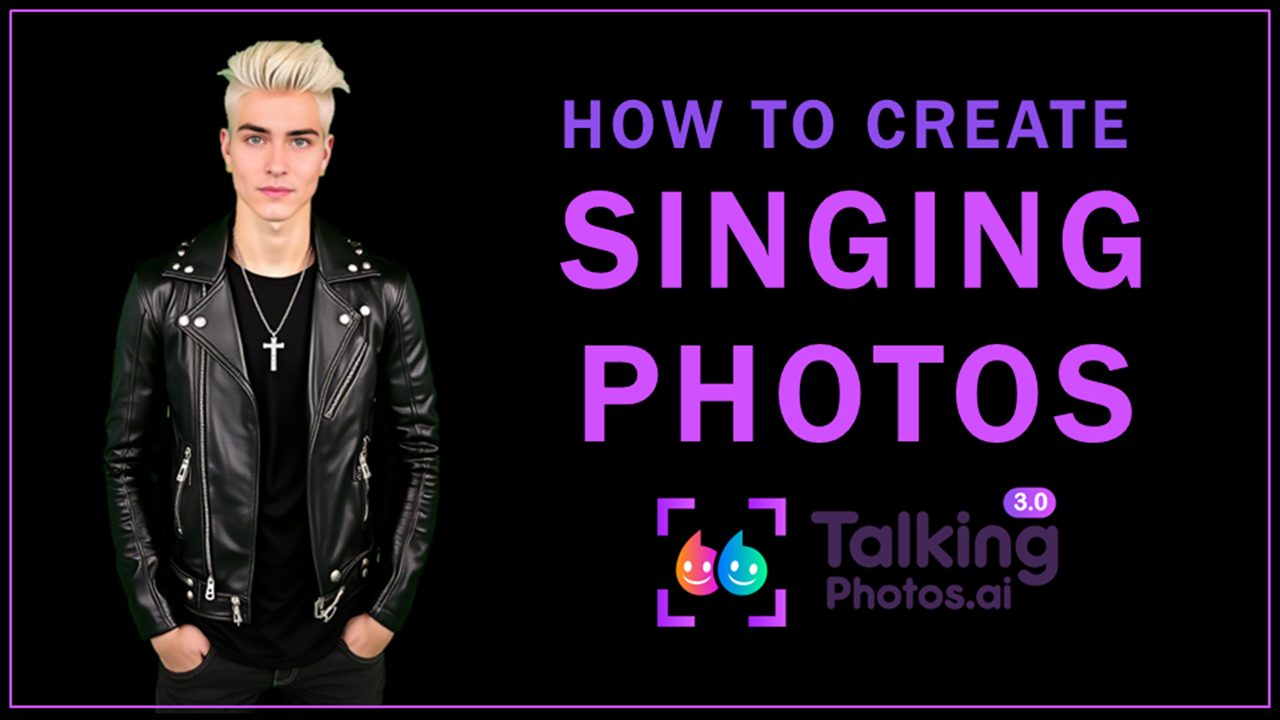
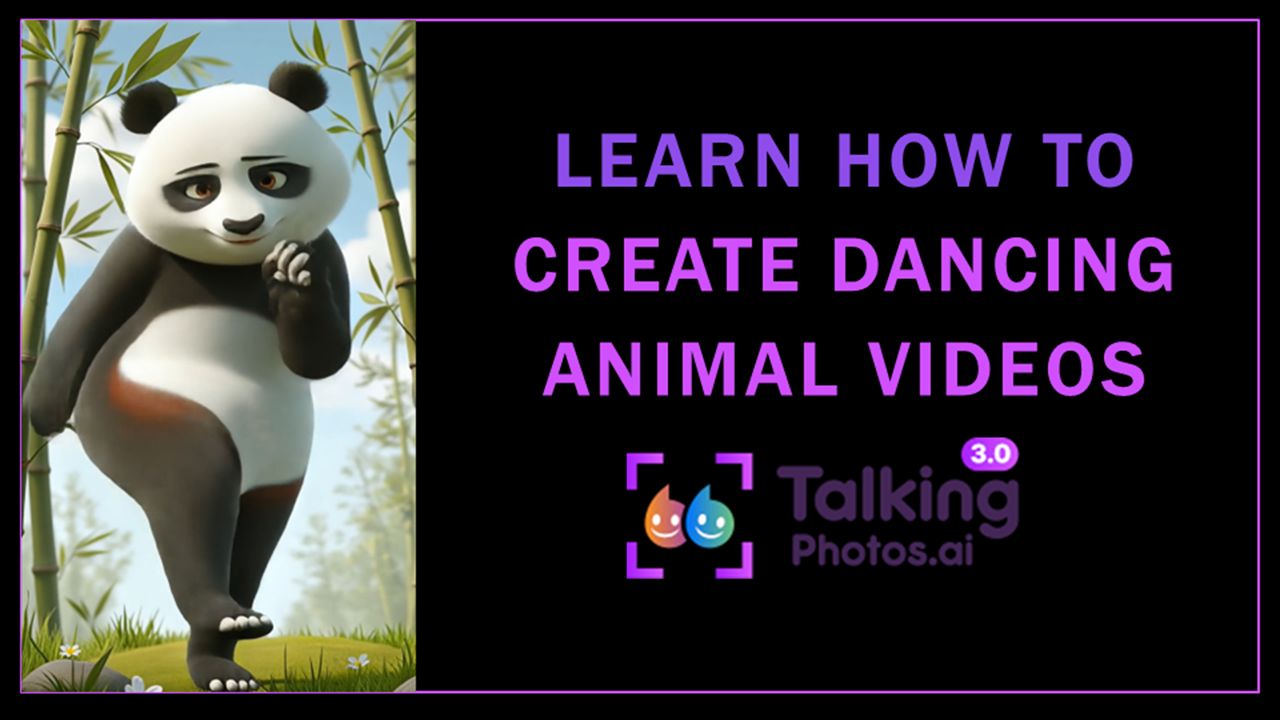
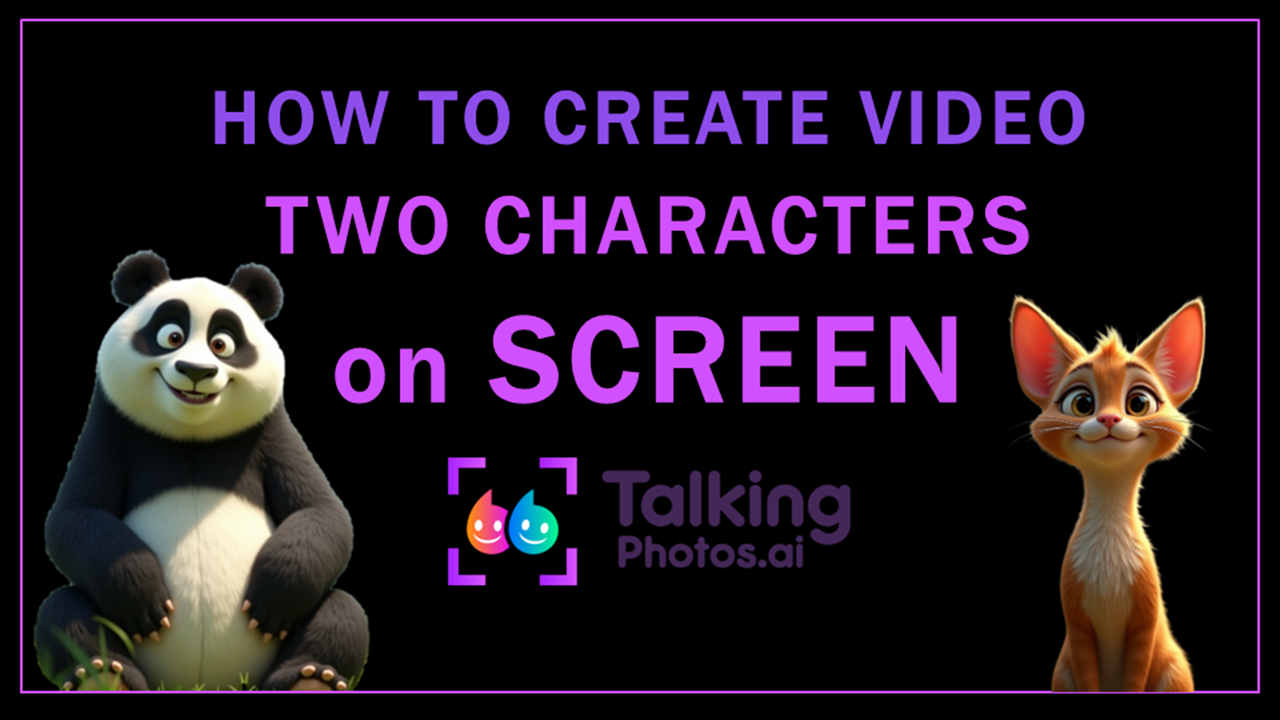
Below you will find several updated YouTube step-by-step tutorials in which I walk you through the process of creating talking photos using this video creation app. You will find the following tutorials: (1) How to Create Talking Photos; (2) How to Create Talking Animal Videos; (3) How to Create Singing Photos; (4) How to Create Dancing Animal Videos; (5) How to Create Video with Two Characters on Screen.

As mentioned earlier, when creating talking photos, I prefer using the “Singing v3” option because I find that the lip-sync, body movements, and hand gestures are more natural. The only caveat with using the “Singing v3” option is that you cannot use the text-to-speech functionality for the overover. You need to upload the voiceover MP3.

TalkingPhotos: Use Cases

Social Media

Social Media

TalkingPhotos AI is a game-changer for social media content creation. Users can create engaging and dynamic content that stands out from the crowd. Whether it's a talking photo for Instagram, a dancing character for TikTok, or a singing video for YouTube, Talking Photos AI offers endless possibilities for social media content.

Online Marketing

Marketing

Businesses can leverage TalkingPhotos AI for marketing purposes. The tool can be used to create eye-catching advertisements, promotional videos, and more. By adding voice and animations to photos, businesses can create compelling and memorable marketing content that resonates with their audience.

Educational Content

Educational Content

Educators can use TalkingPhotos AI to create engaging and interactive educational content. The tool's text-to-speech and multi-language support features make it ideal for creating videos that explain complex concepts in a simple and understandable way, in different languages.

Personal Projects

Personal Projects

TalkingPhotos AI is perfect for personal projects as well. Users can create animated family photos, fun greeting cards, and more. The tool's user-friendly interface makes it easy for anyone to create professional-looking animations, regardless of their experience level.

Storytelling

Storytelling

TalkingPhotos AI is a powerful tool for storytelling. Users can create animated characters that bring their stories to life. Whether it's a children's story, a fantasy tale, or a personal narrative, TalkingPhotos AI can add a unique and captivating element to any story.
Examples of Talking Photos

Below are several YouTube Shorts that I created with examples showcasing different types of AI-generated characters, including one of my own photos, that I created using this revolutionary AI video creation app and then turned them into talking and dancing photos. These include human, 3D cartoon, and animal talking and dancing photos.

TalkingPhotos AI: User Experience

TalkingPhotos AI is designed to be user-friendly and accessible to everyone. The tool’s intuitive interface makes it easy for users to create animations with just a few clicks. The platform offers step-by-step tutorials and customer support to help users get started and make the most of the tool’s features.

Whether you’re a professional animator or a beginner, TalkingPhotos AI provides a seamless and enjoyable user experience. That said, given that there are quite a few options and features, it does have a learning curve until you get used to it. I have created several step-by-step tutorials to walk you through the video creation process and show you the ease of use.

TalkingPhotos AI: Pricing and Plans

TalkingPhotos AI offers different pricing plans to suit various needs. The Basic plan is available for a one-time payment of $99, but you can get it at a discounted price of $49 and includes all essential features, such as photo-to-video technology, AI avatar swap, text-to-speech voices, and more.

The All-Access plan is available for a one-time payment of $169, but you can get it at a discounted price of $97 and includes premium features, such as a 5-minute video length, AI prompt extender, in-app voice recorder, and more. You do not need to pay monthly fees or subscriptions.

Both plans come with a 30-day money-back guarantee, ensuring that users can try this AI tool risk-free. These prices are subject to change and may become a monthly or yearly subscription, so check the official website.

Also, at the time of writing this review, you are not limited to AI credits like most other AI apps. Right now, you get unlimited image generation and video creation. If you use the link below, you can get TalkingPhotos at a discounted price.

I personally have the all-access unlimited plan for my one-time purchase and would recommend getting this plan, rather than the basic plan, if you want to get the most out of the TalkingPhotos AI app. Currently, it’s available at a one-time price, but may change to the monthly or yearly subscription.

Difference Between TalkingPhotos & VideoExpress

When you buy the TalkingPhotos AI app, you will also get the basic version of the VideoExpress AI app for free. The VideoExpress AI app is a cloud-based video creation and editing app with which you can create AI-generated videos. Please bear in mind that this offer is only available for a limited time and will be discontinued at any time.

You can create talking photos with VideoExpress, however, it’s limited to talking and head movements. It does not have the full features like the TalkingPhotos AI app which has hand gestures and body movements.

In the VideoExpress AI app you can also import AI-generated images from other app and turn them into talking photos. Whereas in the TalkingPhotos AI app, you cannot do that, though you can generate any type of photos using AI prompts like I showed you earlier.

In the video below, I walk you through the process of creating talking photos with the VideoExpress AI app app.

TalkingPhotos: Final Thoughts

Talking Photos AI is revolutionizing the way we interact with photos. With its advanced AI technology, the tool allows users to create lifelike animations that captivate and engage viewers. Whether you’re a content creator, marketer, educator, or just someone looking to have fun with your photos, Talking Photos AI offers endless possibilities.

That said, there is still room for improvement. Based on positive user reviews and my own research, I started using it in August 2024. Since then, they have improved the app significantly. The lip-sync for talking and singing has been greatly improved. Also, the body movements and hand gestures are much more natural.

Overall, so far, I’m happy with the app and it’s fun to use. I’ve tried all the types, that is, talking, singing, and dancing videos. The way it works is that there are many different templates for body movements and hand gestures So, once you generate your AI character, including AI avatar swap, you then choose the specific template for body movements and hand gestures.

The eye blinks are very subtle, so you may not notice them. I prefer using the “Singing v3” option for both, talking and singing photos. You can still use the templates and some of them have been changed in version 3, but I personally only like a few of them. The good thing is that the creators of this AI app continue to listen to customer feedback and improve the app, so it will continue to get better in time. This is one of the best AI video generation apps I’ve used to create talking photos.

I hope this blog post helps you get started on showcasing the amazing features and benefits of Talking Photos AI! If you need more details or specific information, feel free to ask. Try Talking Photos AI today and bring your photos to life!

AFFILIATE DISCLAIMER: If you use the links on this page to purchase TalkingPhotos AI products, I may earn a commission as an affiliate marketer. This recommendation and review is based on my firsthand experience using the mentioned products myself.

Check these Related Posts

MusicCreator AI Review 2026
How to Set Up API Integration Artistly CloneVoice TalkingPhotos VideoExpress
Black Friday Sale 2025 AI Products
Facebook
X
LinkedIn
Email
Subscribe to this Blog